|
 |
 |
|
 |


|
|||||||


|  |
| |||||||||||||||||||||||||||||||||||||||||||||||||||||||||||||||||||||||||||||||||||||||||||||||||||||||||||||||||||||||||||||||||||||||||||||||||||||||||||||||||||||||||||||||||||||||||||||||||||||||||||||||||||||||||||||||||||





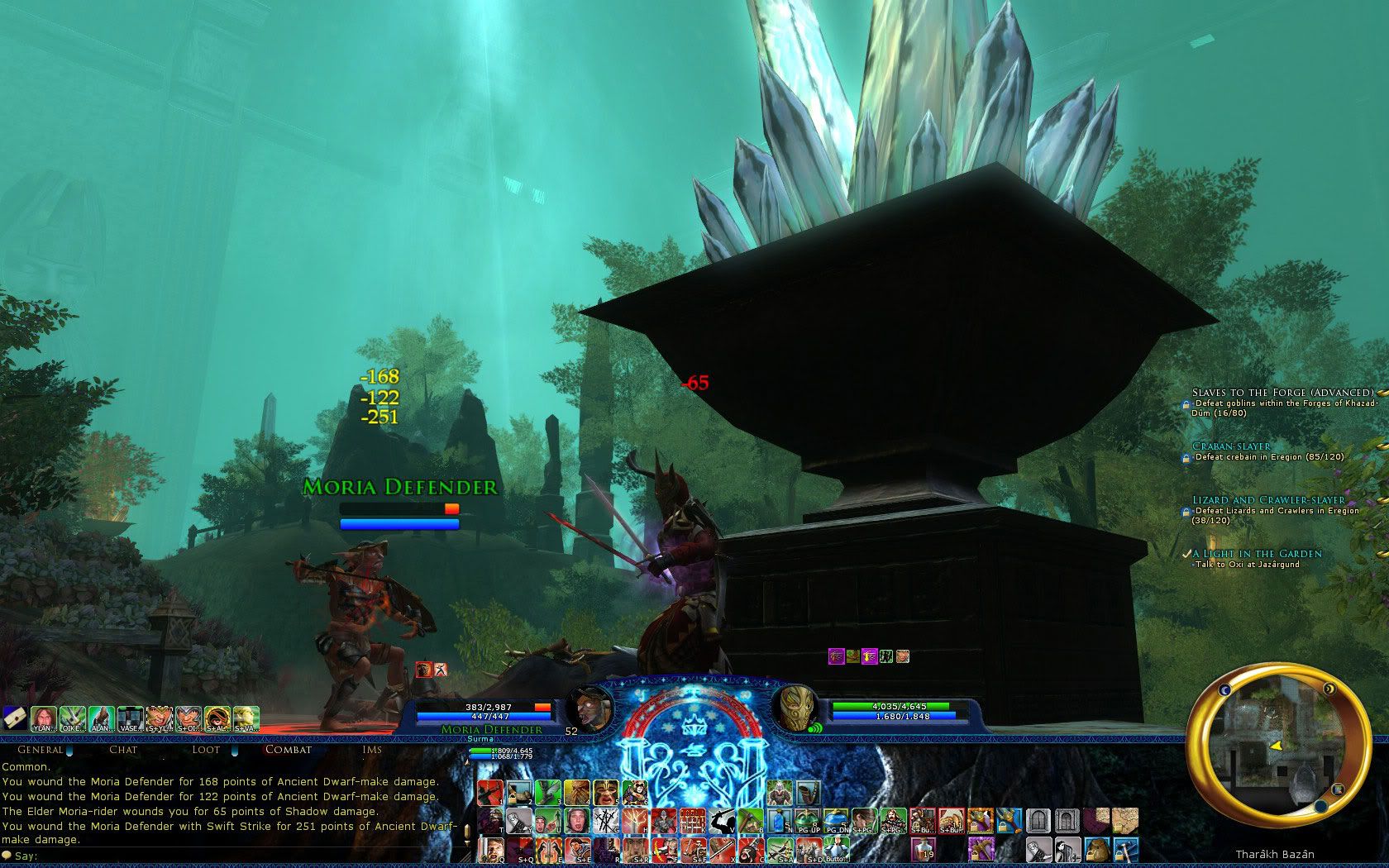

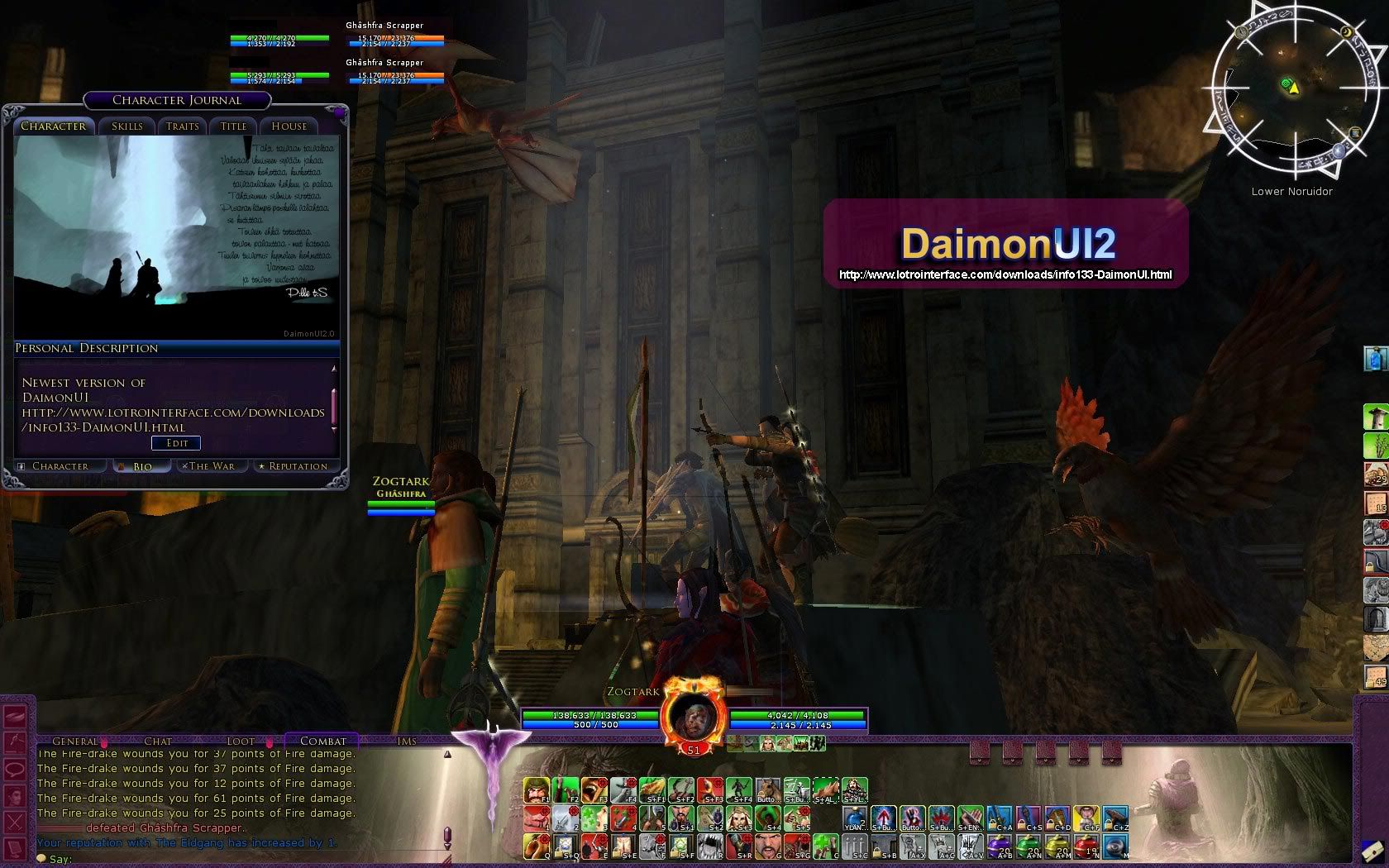
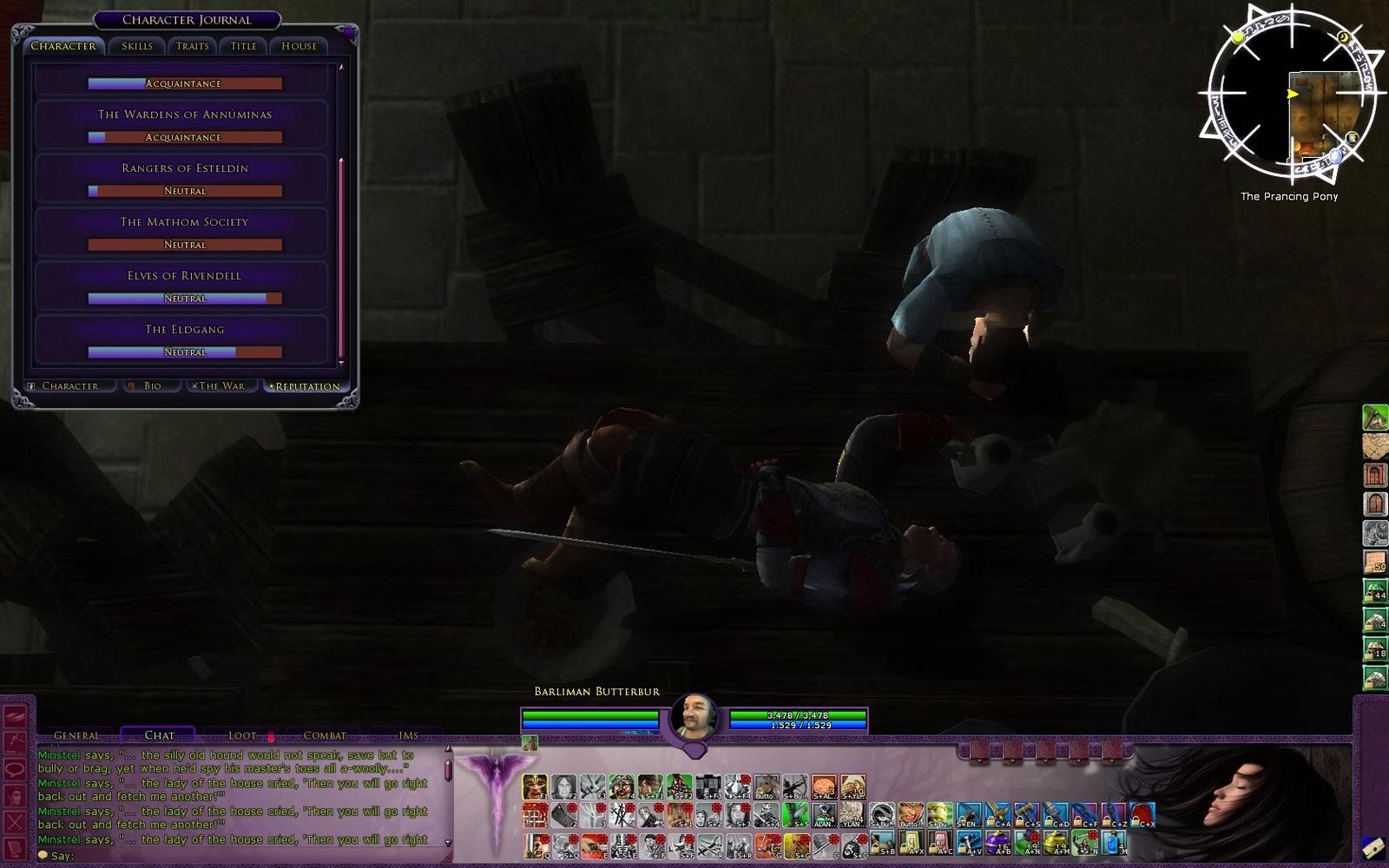


 |
|
 06-05-2013, 09:08 PM
|
|||
|
The Wary
Forum posts: 0
File comments: 5
Uploads: 0
|
Re: Re: Troubleshooting
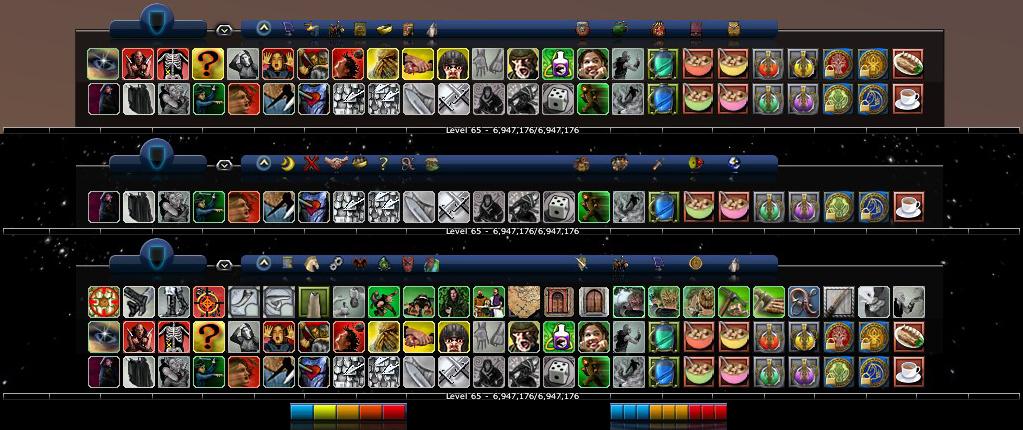
Does anybody know how can i set my quickbars in straight line using daimonui standart moria skin? i mean, i can't move my 1st (main) skillbar, how do i do that? Is it possible to make it look like these? http://www.lotrointerface.com/downloads/full861.jpg
Last edited by awaken : 06-05-2013 at 10:27 PM. |
||


|


|
|
05-22-2013, 04:57 PM
|
||||
|
The Undying
Forum posts: 70
File comments: 61
Uploads: 8
|
Re: Troubleshooting
Quote:
Code:
<Element ID="ToolbarField" X="0" Y="820" Width="1920" Height="260"> |
|||
|
|
|

|
03-11-2013, 03:44 AM
|
|||
|
The Wary
Forum posts: 0
File comments: 5
Uploads: 0
|
Troubleshooting
Hello, i've faced a very annoying bug. Using 1920 resolution every time i login, i can't click on these buttons:]http://clip2net.com/clip/m65000/thumb640/1362991275-clip-12kb.jpg
The only way i can make them clickable is by editing scale settings of toolbar down to 0.99 and then back to 1.0. But meh, its so annoying to do that everytime. Can someone help me? |
||
|
|
|
|
10-23-2012, 05:20 PM
|
|||
|
The Wary
Forum posts: 0
File comments: 21
Uploads: 0
|
Okay thanks,
I'm looking forward to the update for the Mini version |
||
|
|
|
|
10-23-2012, 12:57 AM
|
||||
|
The Undying
Forum posts: 70
File comments: 61
Uploads: 8
|
Quote:
|
|||
|
|
|
|
10-23-2012, 12:56 AM
|
||||
|
The Undying
Forum posts: 70
File comments: 61
Uploads: 8
|
Quote:
it will be one download blue and purple in one zip file to make it easier. |
|||
|
|
|
|
10-21-2012, 07:52 AM
|
|||
|
The Wary
Forum posts: 0
File comments: 21
Uploads: 0
|
I really like the Daimon UI Mini. And I have been trying to use the Mirkwood theme. I have installed the ROR Fix, but whenever I mount my War-Steed, this is what I get
http://i816.photobucket.com/albums/z...nShot00021.jpg |
||
|
|
|
|
10-20-2012, 09:46 PM
|
|||
|
The Wary
Forum posts: 0
File comments: 2
Uploads: 0
|
Sorry, didnt see the discontinued commnet.
Will try the purple version  Last edited by hunkerjr : 10-20-2012 at 10:01 PM. |
||
|
|
|
|
10-17-2012, 09:31 PM
|
|||
|
The Undying
Forum posts: 70
File comments: 61
Uploads: 8
|
I've been using this for years now and I still love it. I do really hope that there will be some kind of a solution for the new RoR expansion, because the new quickslots that appear when you ride your warsteed also trigger the new RoR skin. Is there a way to replace that skin with the Daimon Mines of Moriah skin?
This is what you get now: http://i50.tinypic.com/1596q1.png I'm working on this... I'm extremely busy so give me some time, however it's on of my priorities. The updates will be in my purple version though as Daimon has discontinued this until further notice. don't worry I'll keep the blue and purple separate  |
||
|
|
|
|
10-16-2012, 07:24 AM
|
|||
|
The Wary
Forum posts: 0
File comments: 1
Uploads: 0
|
I've been using this for years now and I still love it. I do really hope that there will be some kind of a solution for the new RoR expansion, because the new quickslots that appear when you ride your warsteed also trigger the new RoR skin. Is there a way to replace that skin with the Daimon Mines of Moriah skin?
This is what you get now: http://i50.tinypic.com/1596q1.png |
||
|
|
|
|
09-03-2012, 03:12 AM
|
||||
|
The Undying
Forum posts: 70
File comments: 61
Uploads: 8
|
Quote:
it's a very very simply install and it should fix the problems you've all been having. I'm working on a major update to my purple version of this and I just might include a blue version as well if I update enough. please let me know of any other problems you are experiencing with this skin ~Liftedplane Last edited by liftedplane : 09-03-2012 at 03:13 AM. |
|||
|
|
|
|
08-24-2012, 08:35 PM
|
|||
|
The Wary
Forum posts: 4
File comments: 10
Uploads: 0
|
the problem is the same as the one posted in the pic attached by below from theela
it is the character portraits, the ones for some of the characters are defaulted back to something else in the fellowship screen the only other problem i have noticed is that the sixth bag is not minimal like the other, but i think that is a sub-mod made by some one else |
||
|
|
|
|
08-17-2012, 03:18 PM
|
||||
|
The Undying
Forum posts: 70
File comments: 61
Uploads: 8
|
Quote:
if you guys can post screens of what's broken I'll start getting to work when I've got time |
|||
|
|
|
|
07-17-2012, 08:14 AM
|
|||
|
The Wary
Forum posts: 2
File comments: 2
Uploads: 0
|
I really want to cheer daimon on, but if he / she's left Lotro then really anyone fixing this would be so welcomed I think. So long as it looks the same. I just can't play default anymore.
 |
||
|
|
|
|


All times are GMT -5. The time now is 05:16 PM.
 |
© MMOUI
vBulletin® - Copyright ©2000 - 2024, Jelsoft Enterprises Ltd. |
 |